How ShieldTag works
ShieldTag is a QR tag you stick on anything you want to stay reachable — a car, a pet, a bag, a child's backpack. Anyone who finds it scans the code and reaches you through a private relay. No app for them to install, no number ever shown, on either end.
- 1
Stick the tag
Peel and stick it on whatever you want to protect.
- 2
Someone scans it
Anyone with a phone camera can scan it and reach you.
- 3
You get the message
It lands as a text. Your number stays hidden on both ends.
Get the tag
ShieldTag ships as a physical, durable tag — today, ordering runs through the waitlist below; once it's open, it arrives by mail ready to activate.
Attach it to whatever you're protecting
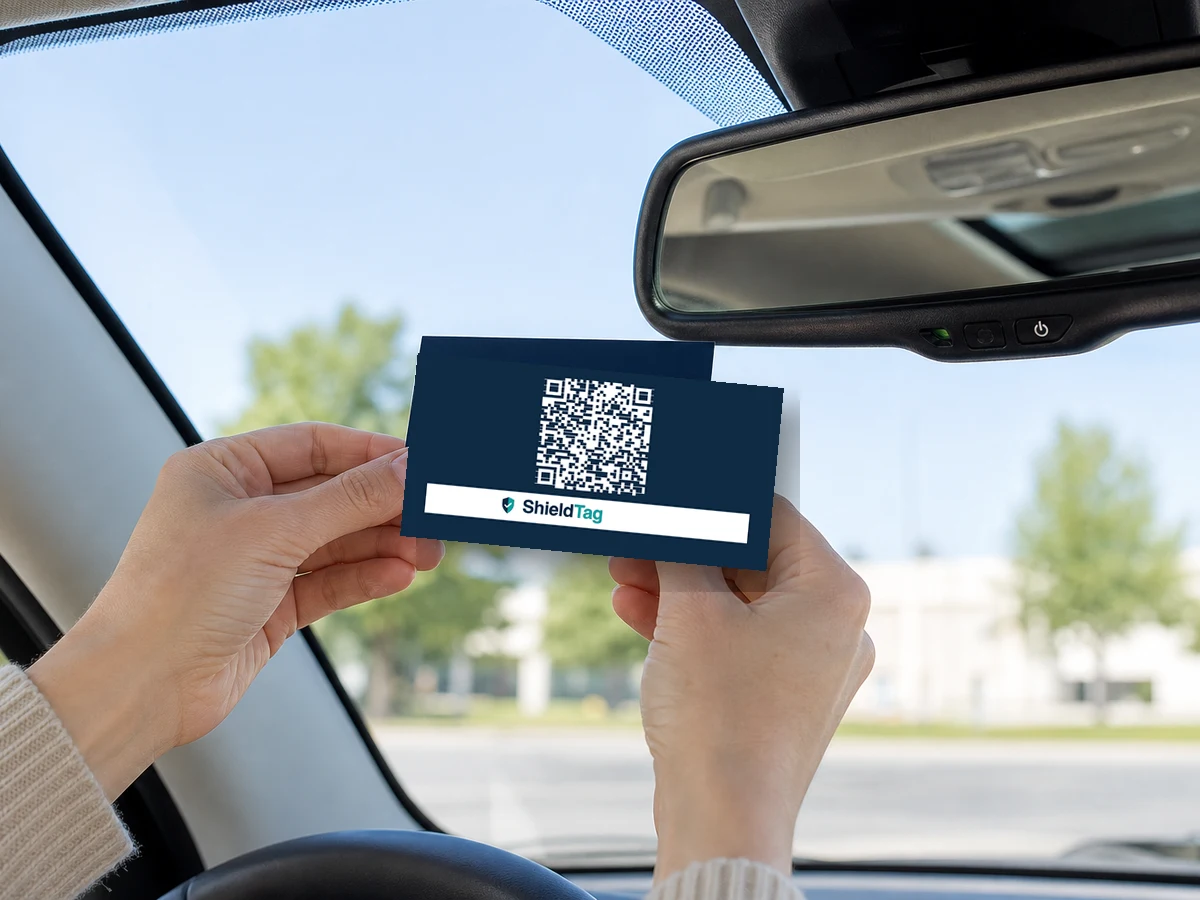
Windshield or dash
For a car, truck, or motorcycle — anywhere visible from outside the vehicle.
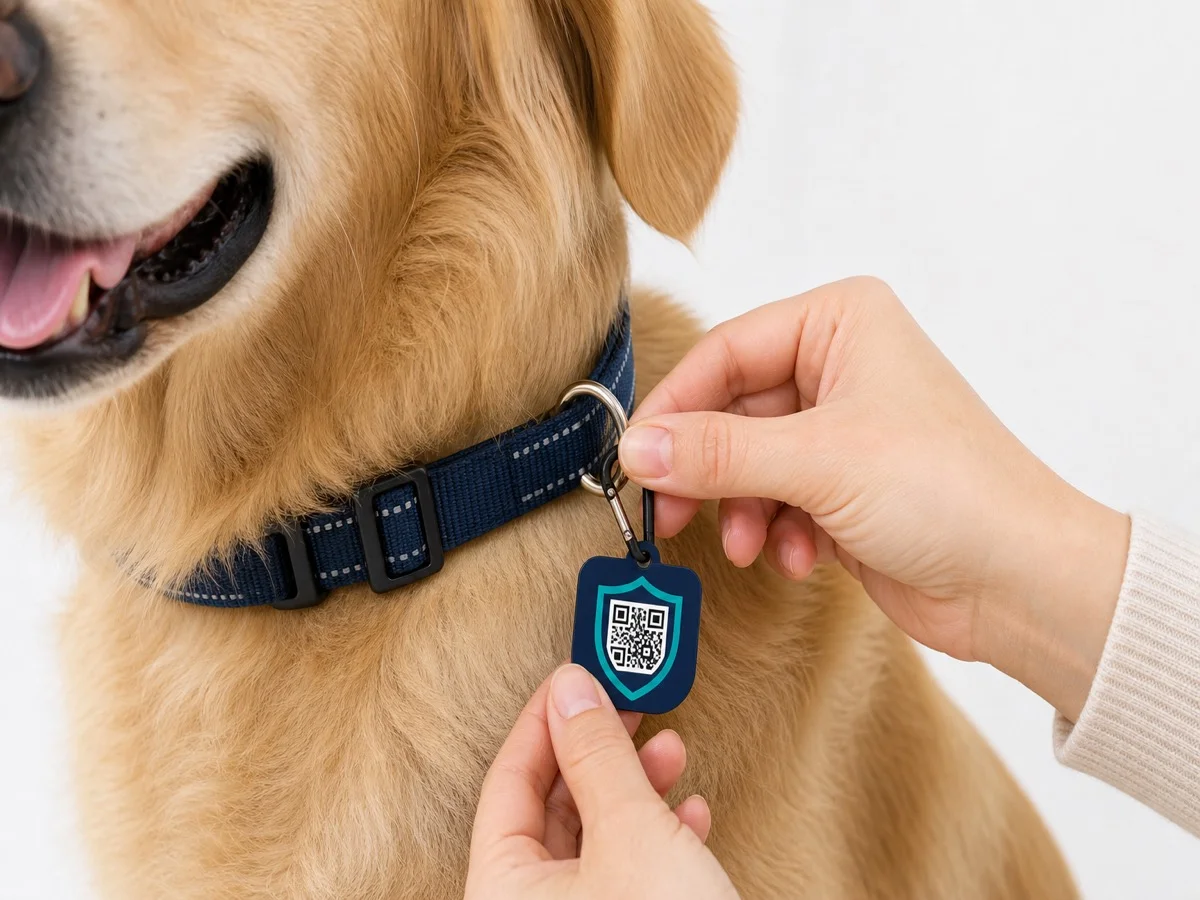
Collar or harness
For a pet — clips onto most standard collars and harnesses, no tools needed.
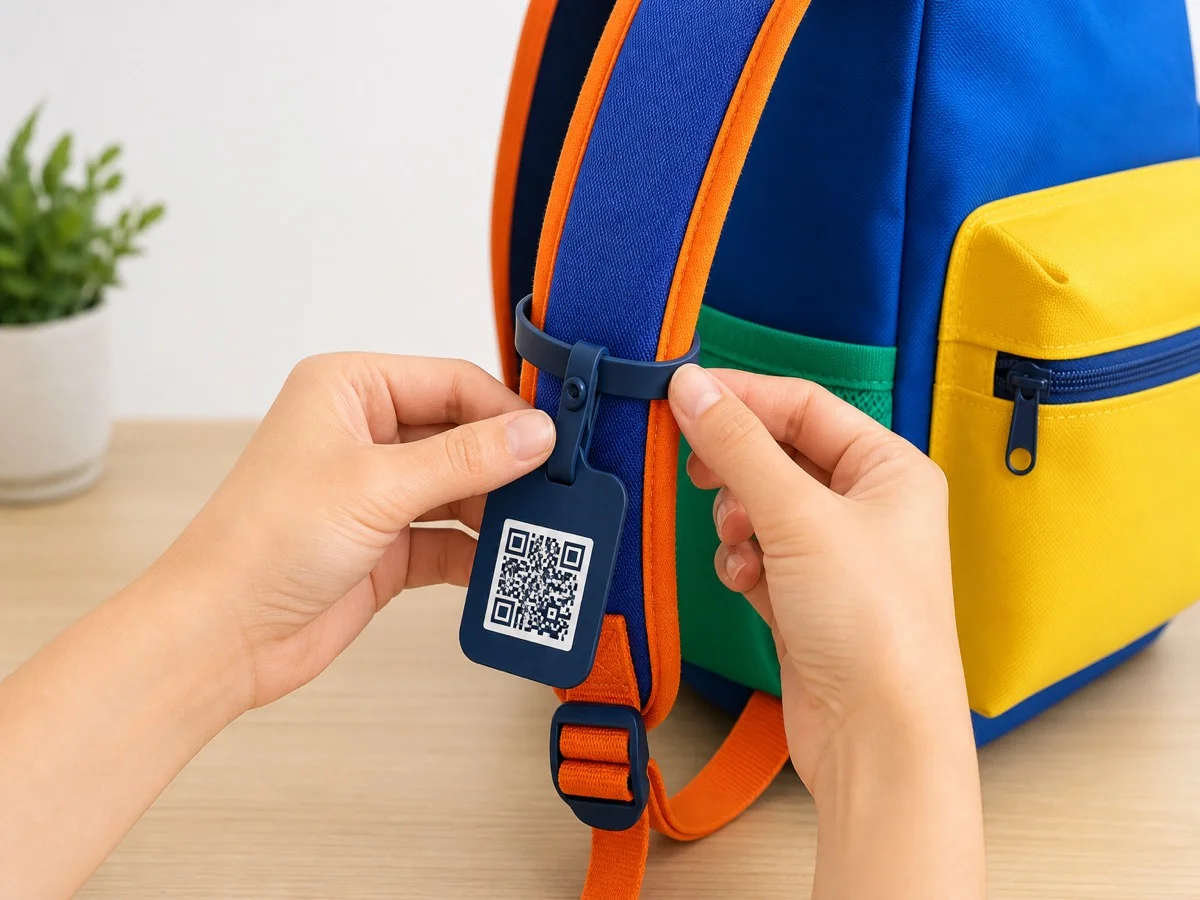
Backpack or lanyard
For a child or a family member — stuck to a bag or clipped to a lanyard badge.

Luggage handle
For a suitcase, laptop bag, or camera case — anything that travels without you.
Activate it
Scan the QR code yourself first, then follow the wizard: enter your name and vehicle, verify your phone number with a text code, and you're set up — no app to download.
What a finder actually sees
No account, no app, no confusing form — step through it below.
Scanning ST‑DEMO02…
Collar tag · no app required
A neighbor finds a collar tag and scans it — no app to install.
How replies reach you
It lands as a text
A finder's message reaches you as a text, with push and email alerts too.
Reply through the relay
Reply if you want — your number is never shared with the finder, on either end.
Masked video, on Plus
Plus adds approval-gated contact and masked video calling — you see them, they never see your number.
Your controls
Pause your tag
Turn scanning off for a tag any time — turn it back on whenever.
Block a sender
One nuisance scan and you can block that conversation for good.
See every contact
Every scan and message is logged in your dashboard — nothing happens invisibly.